





Asphalt Pavers

If you already have an existing account with another Cat App, you can use the same account to sign in here
One Account. All of Cat.
Your Caterpillar account is the single account you use to log in to select services and applications we offer. Shop for parts and machines online, manage your fleet, go mobile, and more.
Account Information
Site Settings
Security
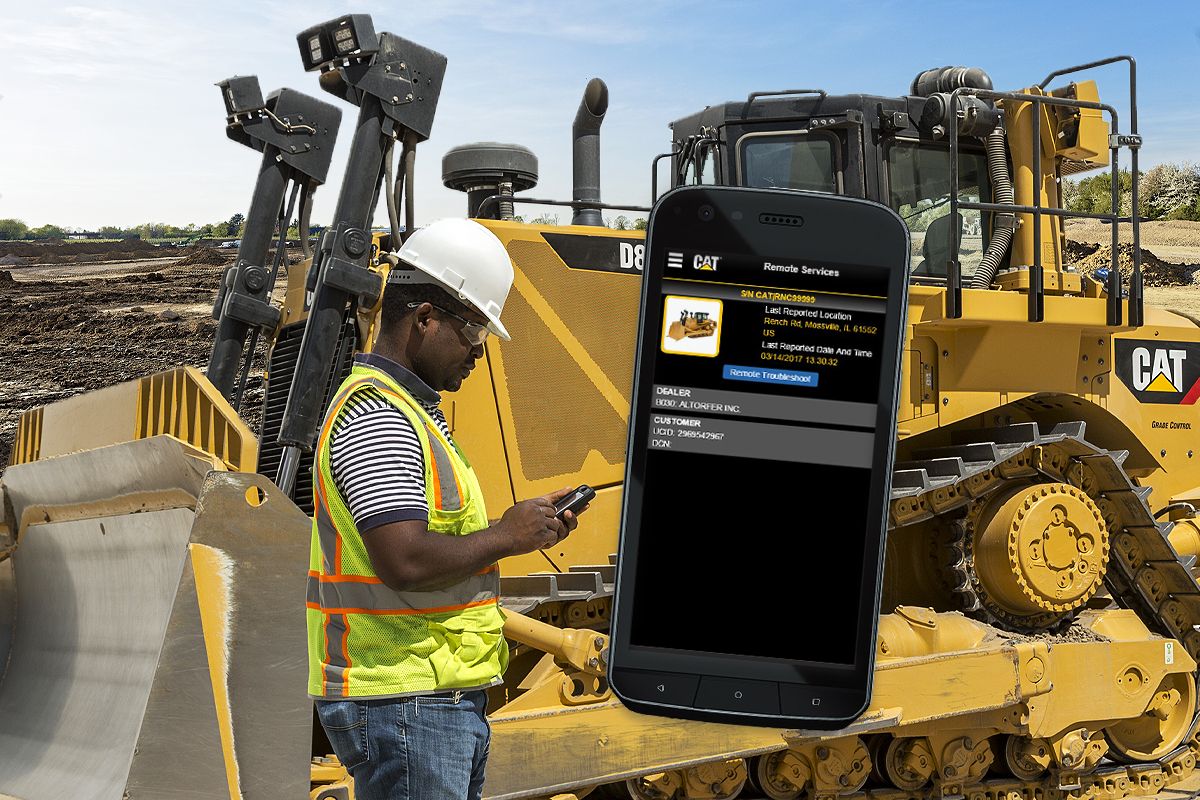
Remote Troubleshoot allows your Cat dealer to run testing while the machine is operating. Once the problem is identified, a technician can fix it with the correct parts and tools the first time, saving time and money. Remote Troubleshoot decreases maintenance time and keeps your machine running with maximum efficiency.
Allow repairs to be performed in the shortest time, in a single visit, with the correct parts, tools and information.
Remotely run machine diagnostic testing while the machine is in operation and decrease downtime waiting for a technician to diagnose the machine.
Ensure machine faults are repaired as soon as possible to enhance machine performance and decrease non-reporting or data quality issues by 10%.
Caterpillar product brochures and other informational documents are available for your growing business.
Leverage Caterpillar connected data and security principles to improve efficiencies, increase productivity and make your business more profitable.
Cat® Inspect allows you to access your equipment data on your mobile device. This easy-to-use app lets you capture inspection data and integrates with your other Cat data systems, so you can keep a close eye on your fleet. More than one million inspections are completed each year, providing convenience and accountability to equipment owners.
Cat® Inspect allows you to access your equipment data on your mobile device. This easy-to-use app lets you capture inspection data and integrates with your other Cat data systems, so you can keep a close eye on your fleet. More than one million inspections are completed each year, providing convenience and accountability to equipment owners.


