
TIPS FOR USING SLOPE ASSIST
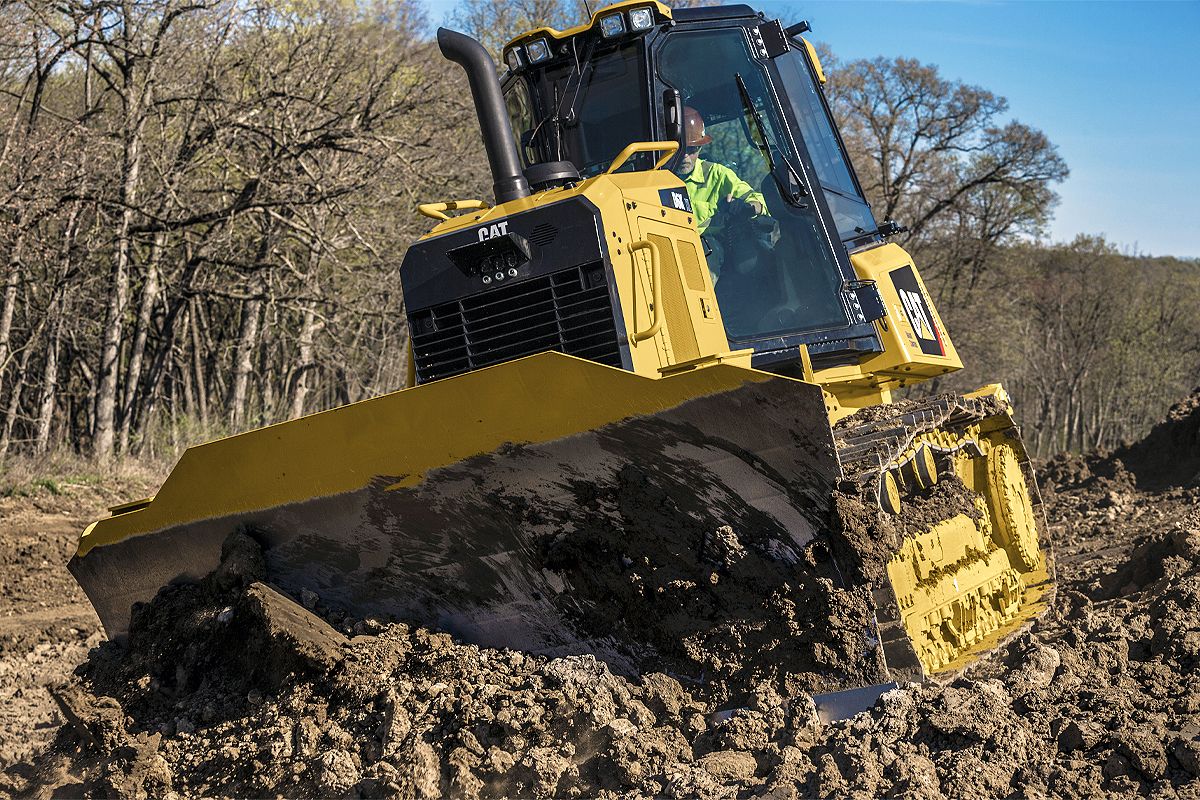
Work faster with more accuracy and less effort when you use Cat® Grade with Slope Assist. The system automatically maintains blade mainfall and slope angles, allowing operators to reduce manual inputs by up to 80%.
Achieve more productivity with less effort by using Slope Assist.
Five easy steps to get started
Cat® Grade with Slope Assist is a 2D dozer feature that’s packed with ways to improve productivity and increase operator comfort. The beauty of this system is that there is no hardware to set up and no extra equipment to keep track of. All the technology is built into the iron. Simply get in the cab, use the monitor to program the slope values you want, put the dozer in gear and start dozing.
Watch this video for five simple steps to get started using Slope Assist.

Different modes, different needs
The three different modes in Slope Assist correspond to your desired level of automation.
- Manual or Indicate. In this mode you control the blade with the joysticks and watch the monitor to match the desired profile.
- Automatic. Set the Slope Assist and it will automatically control the blade to cut the slope you programmed into the monitor. It’s hands-free blade control, which guarantees accuracy and helps reduce operator fatigue.
- Advanced. The recall mode allows you to move the blade up or down to a preselected value.
Match Slope and Swap Slope are two additional functions you can toggle on through the Slope Assist screen.
- Activate Match Slope when you find yourself on a slope that looks suitable for your purposes. Select the icon on the monitor and the blade will stay in its exact configuration.
- Swap Slope allows you to doze a specified slope going uphill. When you turn around at the top of the hill, the feature matches the same angle going back downhill.


Using Slope Assist with 3D
While it is a 2D system, Slope Assist can augment your work with a 3D system in certain situations. Radios and base stations from Trimble, Topcon and Leica can all be used with Slope Assist.
Fringe areas
3D designs digitally map out the exact parameters of a jobsite, but often leave the profiles of fringe areas — driveways, swales, drainage slopes — up to the judgment of the operator. In this case, activate Slope Assist to grade accurate transitions between the fringe areas and the designated space.
GPS/GNSS down
There are times when the satellite signals needed for 3D GPS/GNSS operations temporarily drop out, such as behind tall buildings or under dense tree canopy. In these situations, the operator can switch the display screen from 3D to Slope Assist on the fly and match the grades cut previously when the GPS/GNSS signals were guiding the tractor. When the signals are restored, you simply select the home button and you’re back in 3D.
Quick cleanup
For quick cleanup work like cutting a slight grade to improve drainage before a rain or to dress up a damaged haul road, switch from 3D to Slope Assist and tighten up the rougher areas of the site in no time at all.
Learn more about using 2D Slope Assist to complement 3D grade control by watching this video.

Popular Articles About Dozers
Get the most from your dozer with operating tips, safety advice, maintenance help and much more.
-
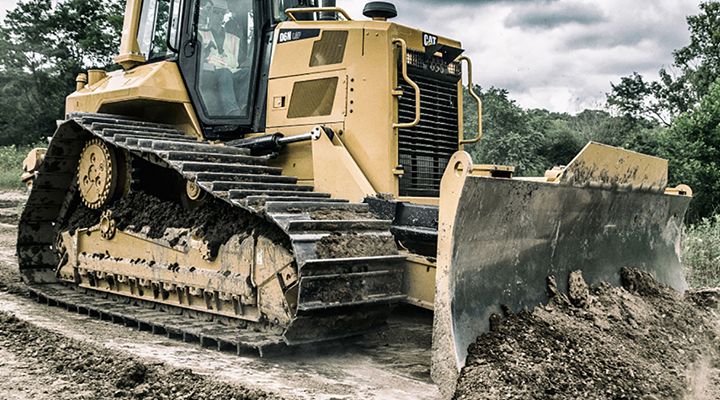
Who says Blades are Boring?
Today’s dozer blades are sophisticated tools. And you can’t make money without them—which makes them far from boring. So before you choose a blade, give some thought to how the decision could affect your bottom line.
Learn More -
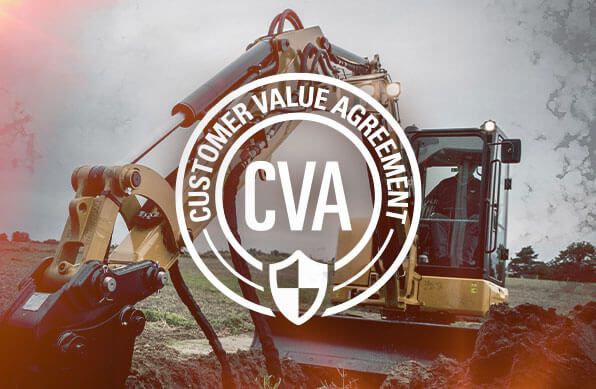
The "Value" in a Customer Value Agreement
Check out these 4 ways a Customer Value Agreement helps your equipment and your business.
Read Article -
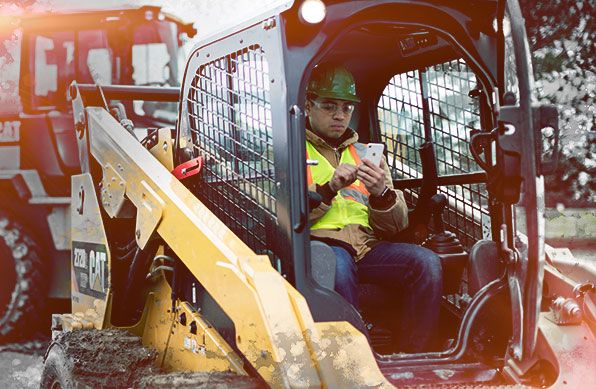
Mobile Goes Mainstream
Cat mobile apps make it easy to track equipment location, use, health and more.
Read Article -
Your Equipment Is a Reflection of Your Brand
Keep your equipment in good running condition to maximize uptime and reduce operating costs.
Read Article
Your Business
 North America – English
Caterpillar Brands
- Caterpillar.com
- My Marketing Preferences
- Site Map
- Cookie Settings
- Legal
- Privacy
- Do Not Sell or Share My Personal Information
- Accessibility Statement
- US-English
- © 2026 Caterpillar. All Rights Reserved.