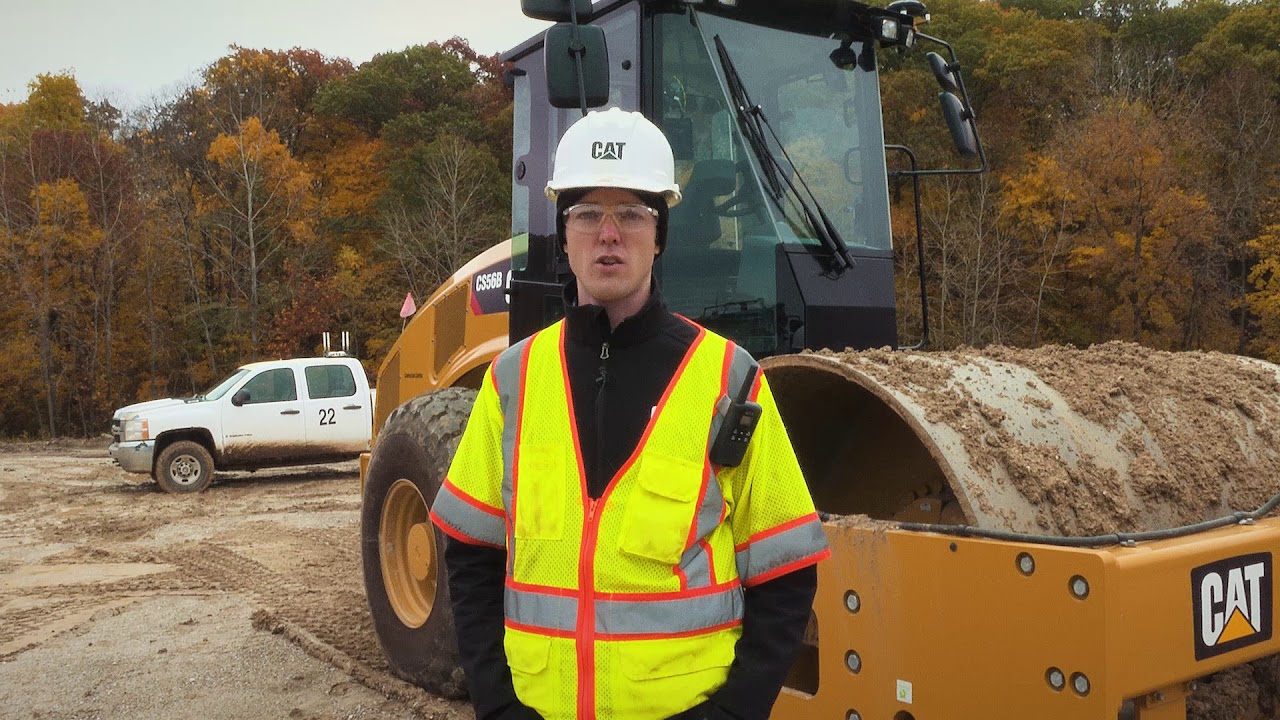
Consistent Compaction through Automation Technology

Command Cat Command Semi-Autonomous Control for Compaction

Request A Price Find Dealer

Features At A Glance

Displaying 1-6 of 5

Compaction Quality

Compaction Quality

        
  • Achieving consistent and predictable compaction results enables operators to hit compaction targets more easily.
  •     
  • Cat® Command for Compaction executes compaction at a constant speed using the preset vibe setting, number of passes and specified amount of overlap. 
  •     
  • Cat Command is designed to help operators of any skill level increase process control and overlap precision. 
Eliminate Skill Gaps

Eliminate Skill Gaps

        
  • Cat Command for Compaction performs at a constant speed using the preset vibe setting, number of passes and specified amount of overlap, no matter who is in the seat.
  •     
  • Cat Command ensures a uniform compaction process, regardless of operator skill level
Up to 60% Better Coverage

Up to 60% Better Coverage

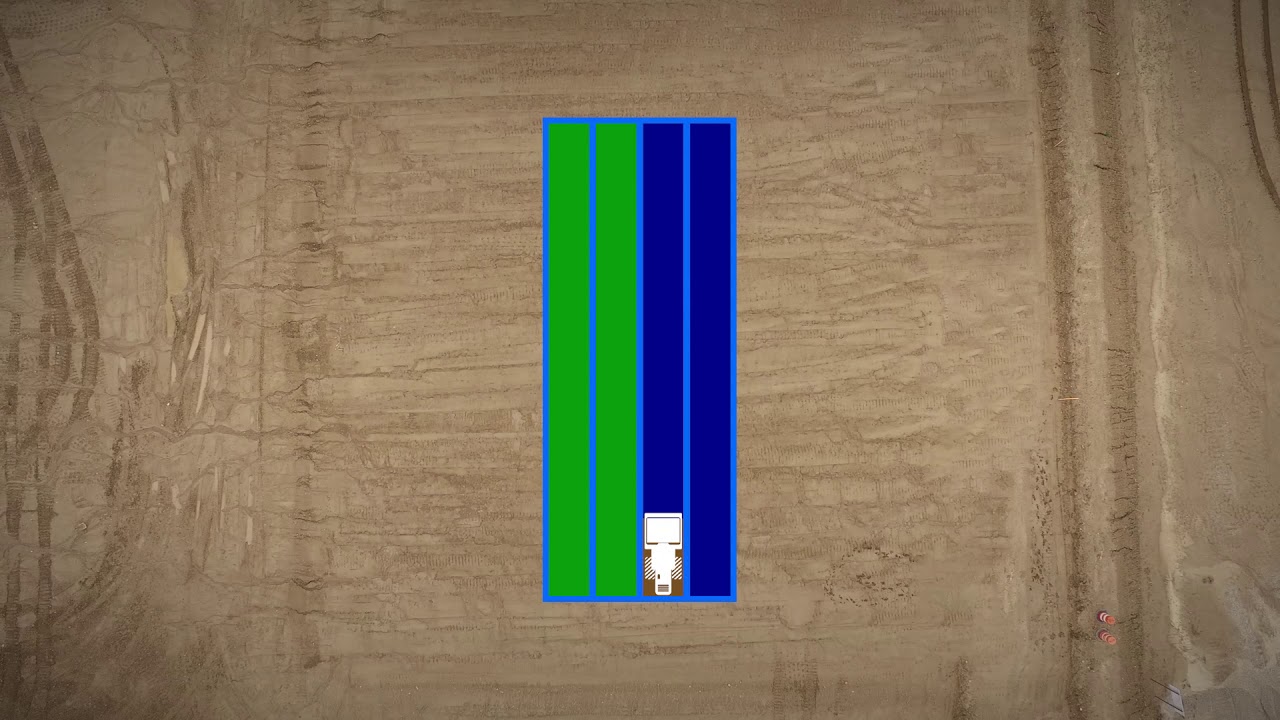
Image simulates compaction coverage.

        
  • Using Cat Command keeps compaction parameters consistent.
  •     
  • The Cat Command for Compaction system utilizes dual RTK correction to provide precision GPS which can achieve up to 60% more coverage compared to a novice operator.*


*Productivity improvement based on product testing of the Command for Compaction system and a novice operator on their first project not utilizing the technology when executing six machine passes in a defined area. Productivity measured as drum coverage and verified by recorded pass count percentages. Test conducted by Caterpillar at Tucson, AZ USA in November 2018.

Technology Made Simple

Technology Made Simple

        
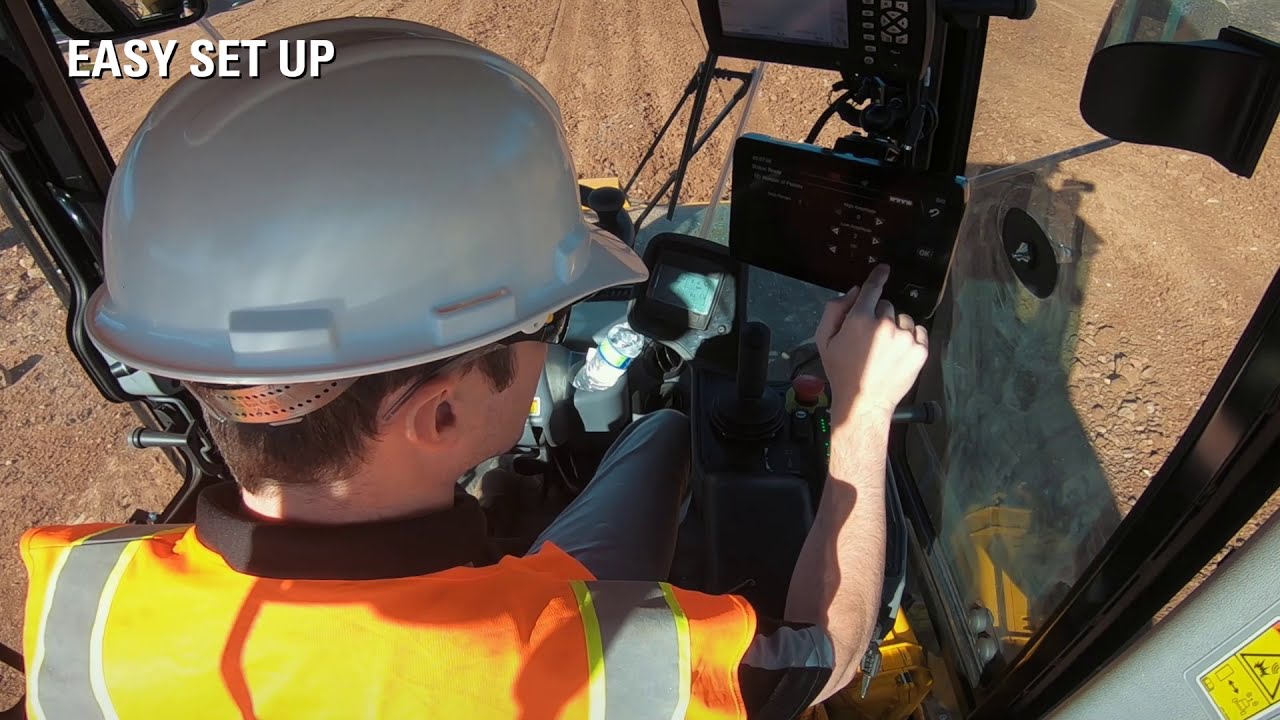
  • Cat Command is simple to set up with no need for back-office work or site designs for the system to operate. 
  •     
  • Cat Command connects to commonly-used base stations.
  •     
  • The operator tells the system WHERE to compact by using the machine to physically define the compaction boundary or by loading a previously recorded and saved area from the display.
  •     
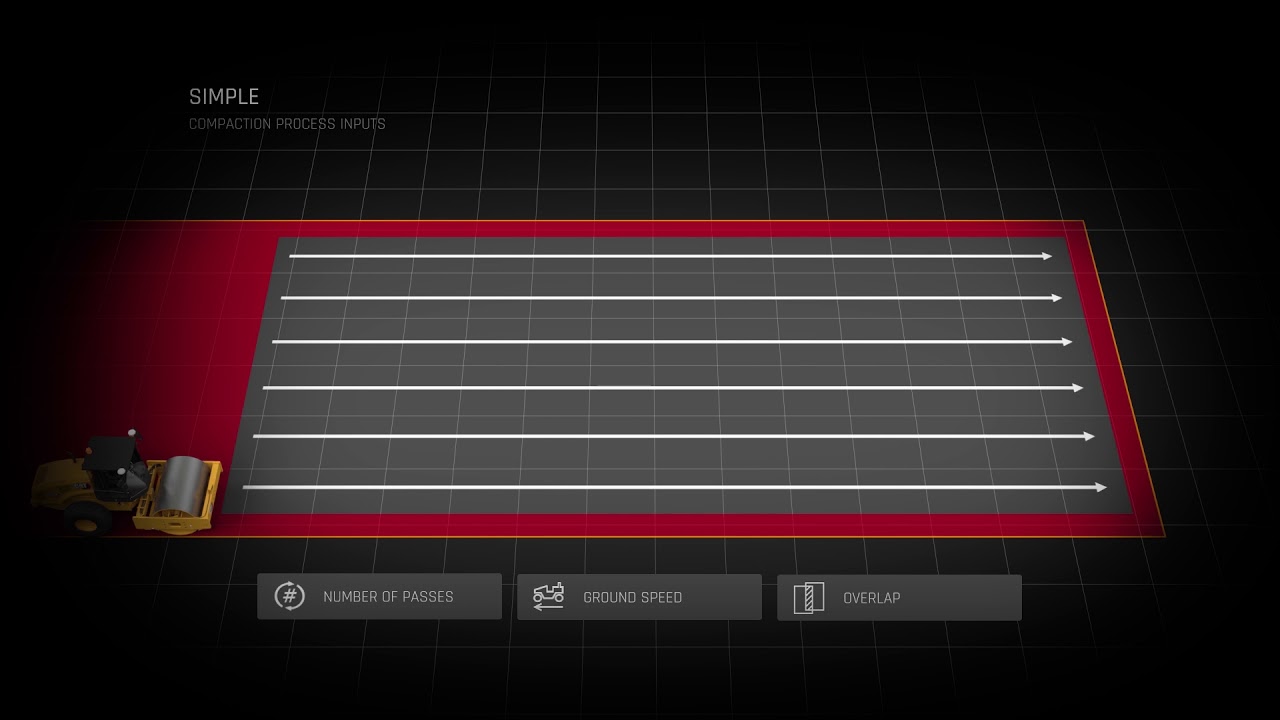
  • Using three simple inputs, the operator tells the system HOW to compact:
        
  1. Number of passes to make at each amplitude setting
  2.     
  3. Ground speed
  4.     
  5. Amount of overlap
        
  • After verifying the area is safe and clear, the operator engages Cat Command and the system executes compaction.
Enhanced Jobsite Safety

Enhanced Jobsite Safety

        
  • Cat Command includes features that aid in safe machine operation.
  •     
  • An integrated Object Detection System alerts the operator to objects in the path of the machine.
  •     
  • Object detection is functional whether the machine is in Auto or the operator is manually moving the machine.
  •     
  • Machine interlocks help promote proper operation if predetermined parameters are not met.

See how Cat Command Semi-Autonomous Control for Compaction compares against frequently compared products.

Product Brochures and More Are Ready to Download!

Media Gallery

Command for Compaction

Command for Compaction

Command for Compaction

Command for Compaction

Cat® Command for Compaction Animation

Cat® Command for Compaction Overview

Cat® Command for Compaction Component Overview

Cat® Command for Compaction Inputting the Compaction Settings

Cat® Command for Compaction Object Detection System

Cat® Command for Compaction Animation
Cat® Command for Compaction Overview
Cat® Command for Compaction Component Overview
Cat® Command for Compaction Inputting the Compaction Settings
Cat® Command for Compaction Object Detection System

Check out current offers for the Cat Command Semi-Autonomous Control for Compaction

View More Offers